Turbocharger Compressor Map Calculation
Speed-Wiz can display turbocharger compressor flow maps and calculate flow rates and pressure ratios and plot them on the compressor map. Several compressor maps are included, and it's easy to add your own compressor maps as shown below.
As the calculation window is resized, the compressor map is also resized to be displayed as large as possible.
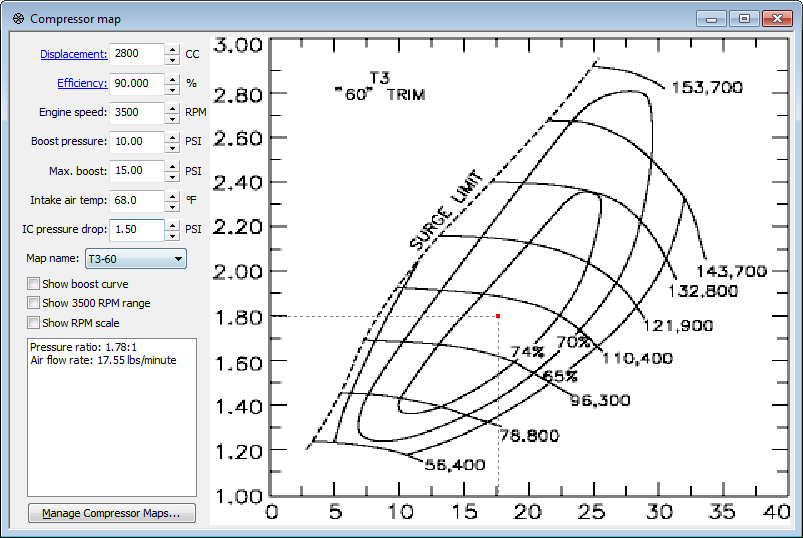
A simple compressor map window
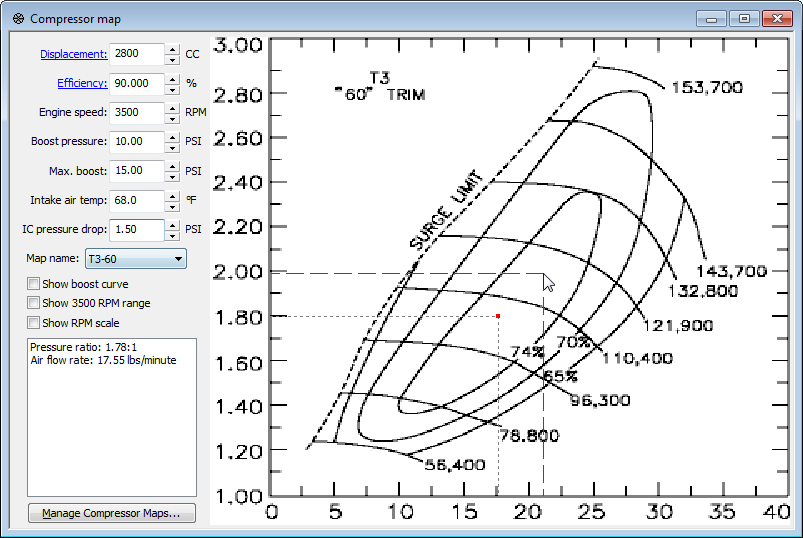
Guidelines allow you to use your mouse to align any point on the compressormap with the numbers on the sides of the map.
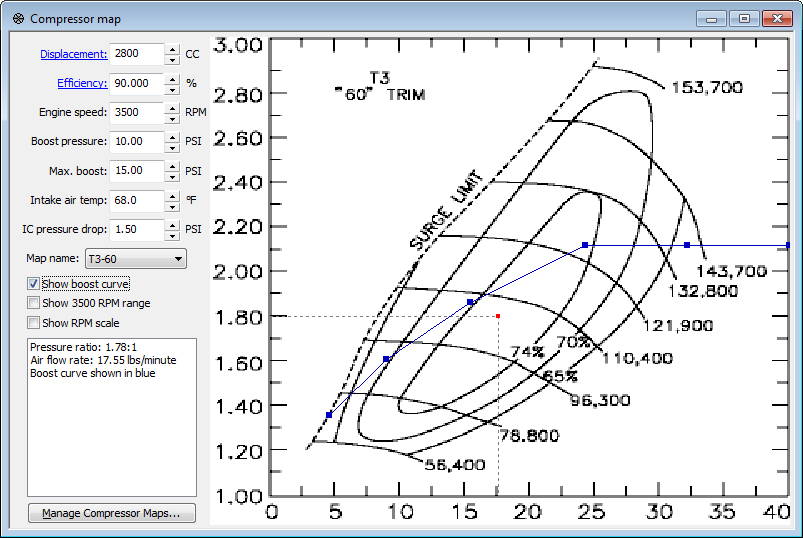
The Show boost curve option displays your entire boost curve plot on the compressor map.
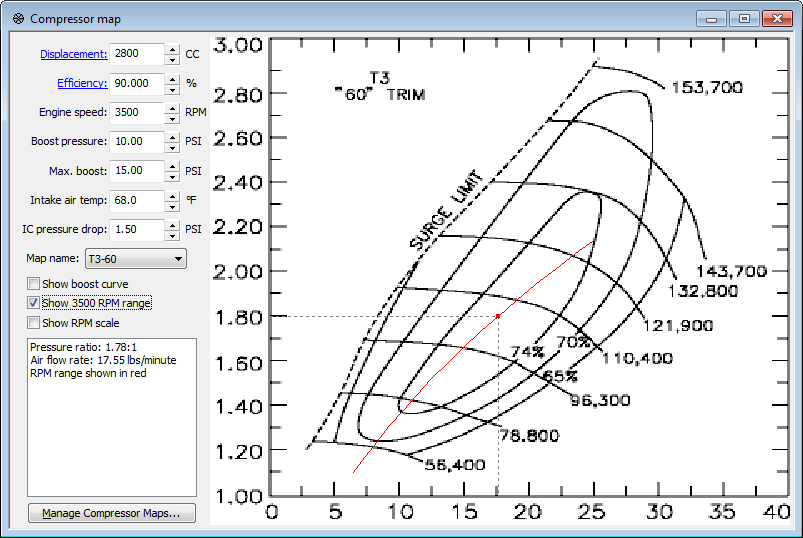
The Show RPM range option displays all boost pressures for the selected engine speed on the compressor map.
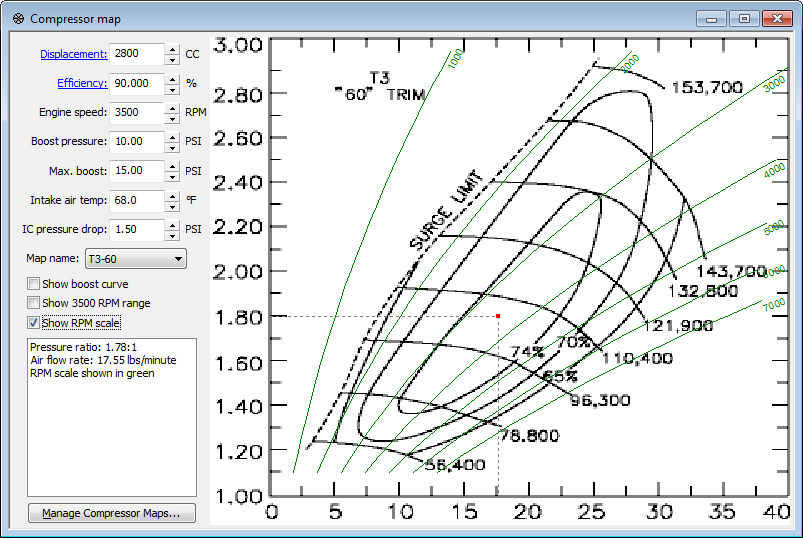
The Show RPM scale option displays a scale of all engine speeds up to your redline on the compressor map.
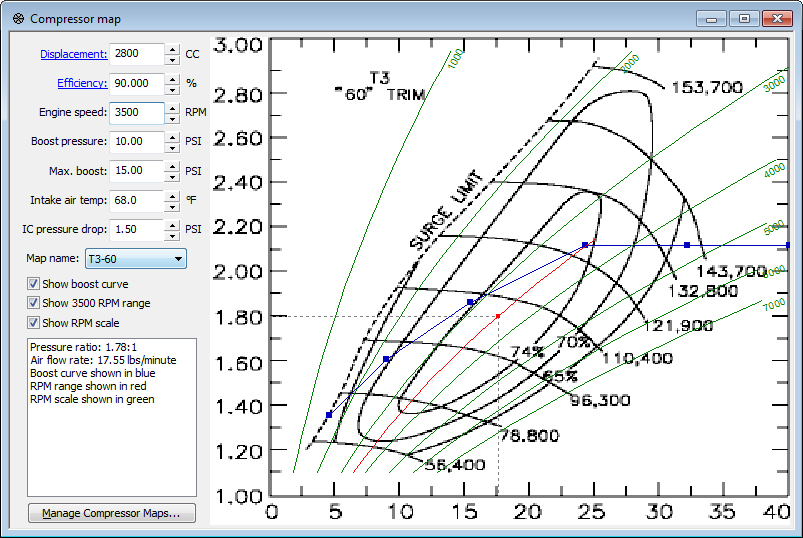
All of these options can be selected in any combination.
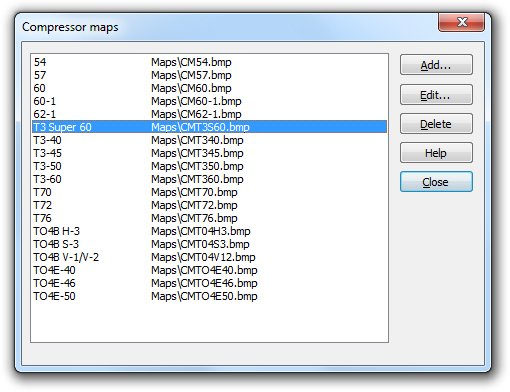
Pressing the Manage Compressor Maps... button give you this list of all installed compressor maps.
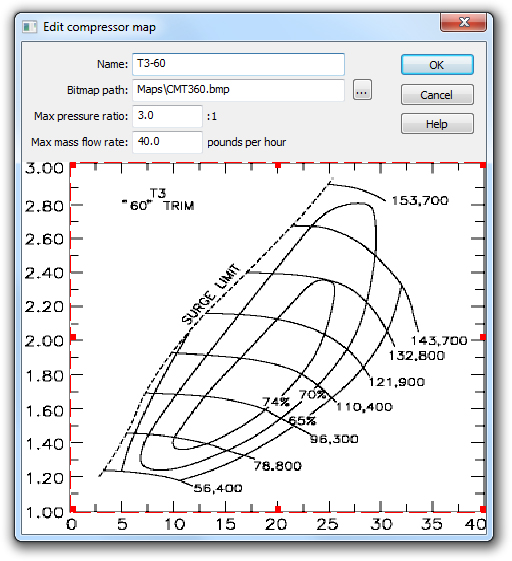
This dialog is used to add or edit compressor maps.
The red outline is dragged to align the map area of the compressor map image.