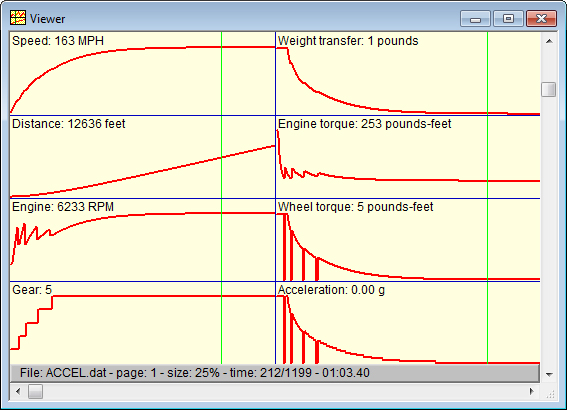
Data Log Viewer
Data log viewer settings are made in the Data Log Settings window.
- View up to 8 channels simultaneously plus time
- Multiple customizable configurations for multiple users, settings, cars, and more
- Includes one configuration already set up to work with TEC data log files
- Detailed configuration options include number of plots, legend and unit text, precision
Data log files are then viewed and analyzed in a Data Log Viewerwindow.
- Infinitely adjustable data window size - just resize the window and the cells, plots and legends automatically adjust
- Ultra fast mouse follower - just touch the graphs and view the data immediately
- Statistical analysis of data - analyze the entire run, several analyses for each parameter (min, max, average, etc.)
- View acceleration simulation data directly from acceleration simulator
- Adjustable sampling rate for careful detail examination or longer-term trend recognition
- View multiple, simultaneous windows - all windows remain "live" regardless of input focus
- Animation mode provides real-time playback
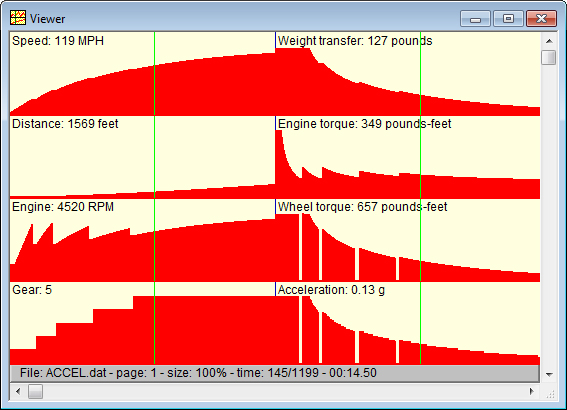
The data logger can also display in a filled mode if desired.
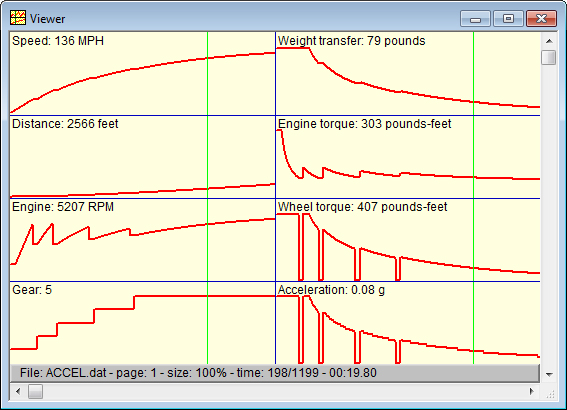
The horizontal scroll bar is used to pan the graphs from left to right.
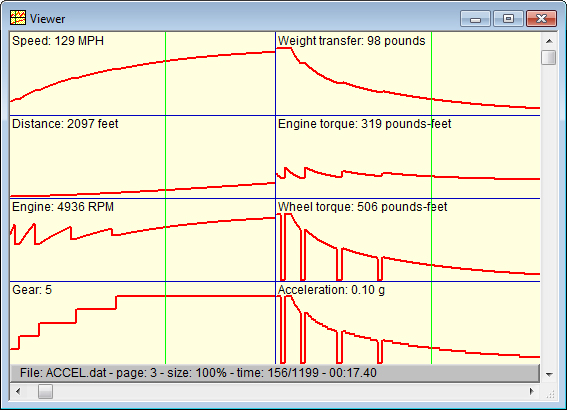
The vertical scroll bar is used to adjust the time scale so you can choosevbetween seeing more detail or seeing more elapased time. This adjustment works independently of the ability to set the window size as desired.