Speed-Wiz Calculation Features
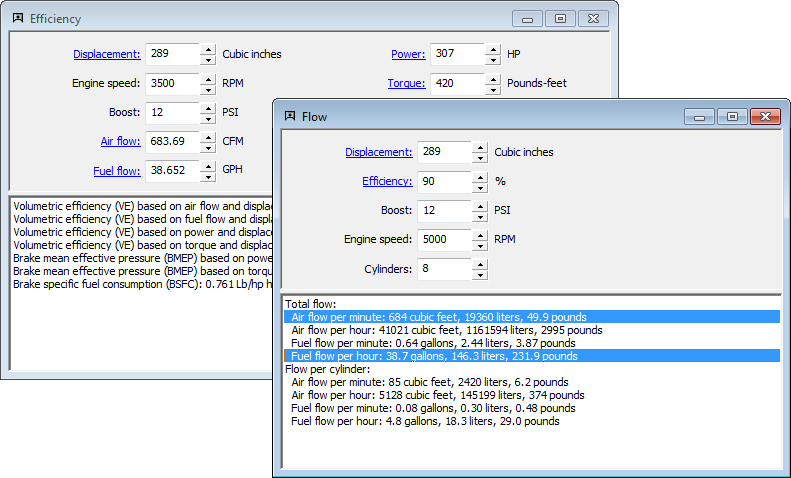
Speed-Wiz calculation windows share a rich and useful set of productivity features.
- Data interaction — input and calculated data shared by all calculations and simulations
- Real-time calculation — just enter your data and check out the results!
- All calculations can be saved and/or printed in report format
- All calculation windows can be printed exactly as they appear on screen
- Metric or English data entry by overall or individual item
- Calculated output shown in both Metric and English units
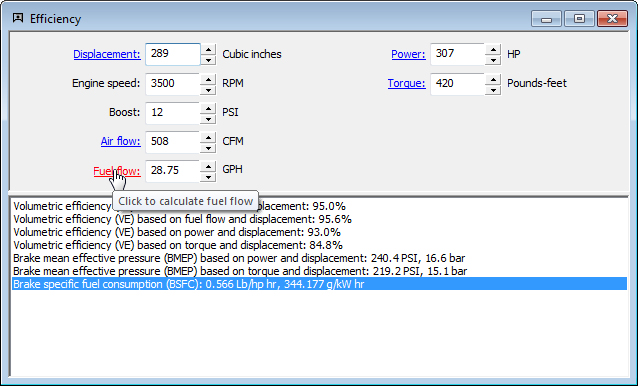
- Tool tips tell you what items do when you point at them
- Shortcut calculation links to quickly access calculations for data inputs
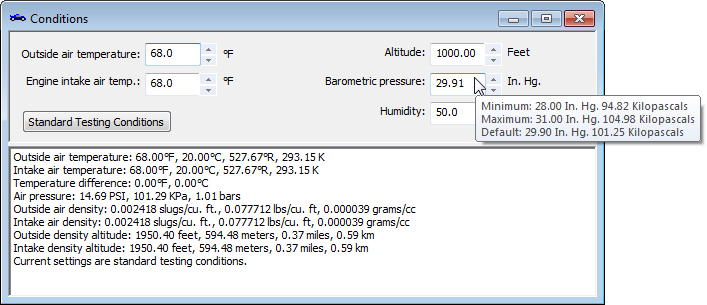
- Range tips for all inputs in all calculation windows
- Easy fractional value entry
- Send input or output values directly to the conversions tool
- Easy to revert to original data or set default data for all inputs