
Car Calculations and Simulations
Speed-Wiz has hundreds of car performance calculations, simulations, and analysis tools covering engine, suspension, chassis, dynamics, and much more.
Speed-Wiz is the best value you will find in automotive software. You could pay hundreds of dollars for software that does just a fraction of what Speed-Wiz does, or pay our special low price and get an integrated and powerful program that does everything you ever wanted — and much more.
Join the many teams, companies, and individuals using Speed-Wiz now! If you build or modify cars, or just dream about it, Speed-Wiz is the tool you need.
The tool you need

- Hundreds of calculations and simulations
- Lots of advanced, customizable graphs
- Optimizations help you reach your goals
- Conversions simplify units of measure
- Artificial intelligence engine simulator
- Unlimited data files
- Real-time calculation
Advanced features
- Flexible Metric or English data entry
- Outputs in both Metric and English units
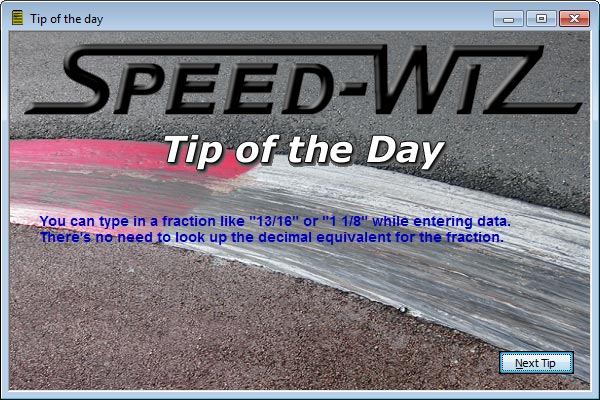
- Easy fractional value entry
- Productivity features for calculations
- Calculation reporting and printing
- Inputs automatically saved as you type
- Automatic data sharing between calculations
Speed-Wiz does it all
- Friendly and productive user interface
- Context-based help is just a click away
- Favorites lists for calculations and graphs
- Top-notch software quality and reliability
- Easy and non-invasive Setup program
- Easy to learn — get quick results
- Fun to use — learn new things about your car
Calculations
Speed-Wiz has calculations in the areas of general, conditions, fuels, engine calculations, engine simulation, fuel injection, turbochargers, chassis, aerodynamics, electrical, suspension, steering, brakes, tires, performance, reference, costs, maintenance, and race strategy. It calculates hundreds of different values. It also has graphs for the same areas. In addition are unit conversions, performance optimizations, a lap timer, and some fun stuff too.
 General information
Conditions, density altitude calculation
Fuel including blends and additives
 Engine calculations
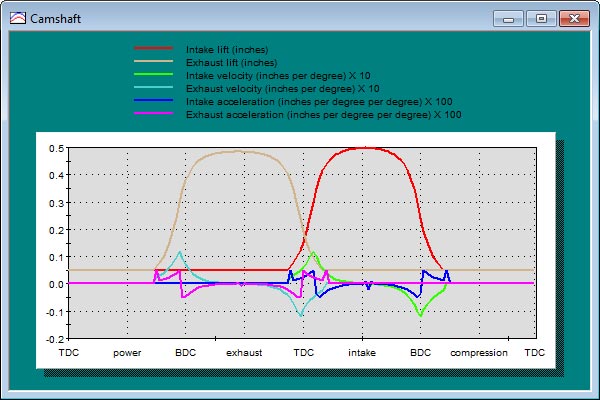
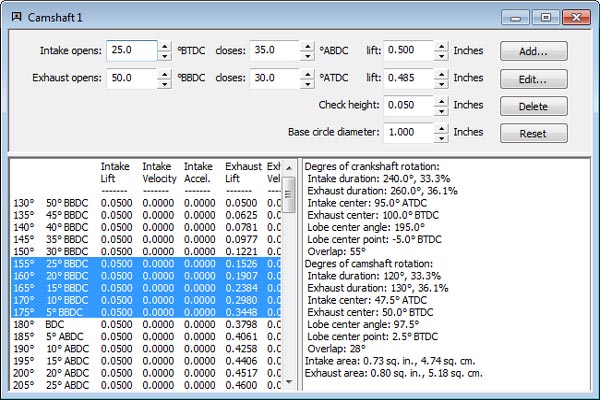
Cam, valves, pistons, intake, exhaust, ...
Displacement, compression, flow, efficiency
 Turbochargers
Turbo sizing, temperatures, flow, ...
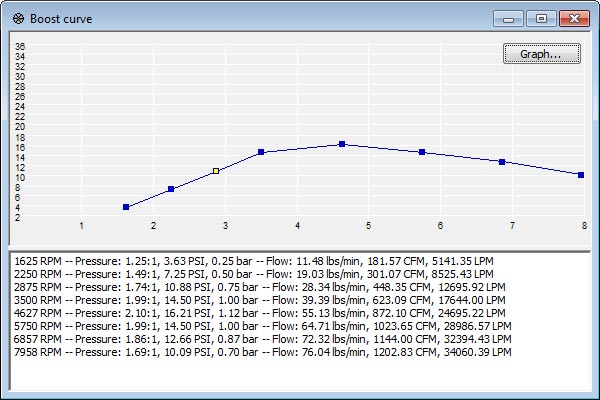
Compressor maps and boost curve
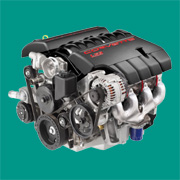 Engine simulation
Artificial intelligence engine simulator
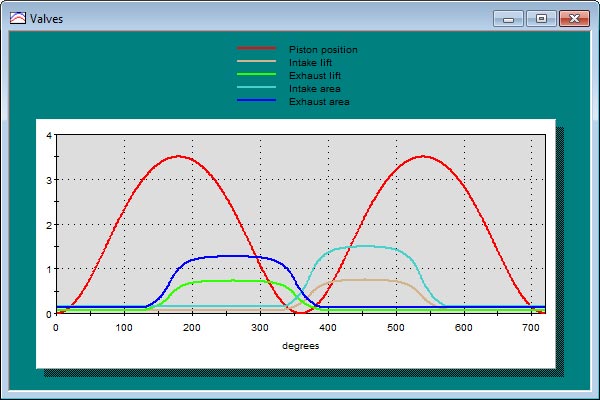
Plus pistons, valves, intake, and exhaust
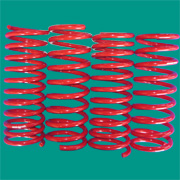 Suspension
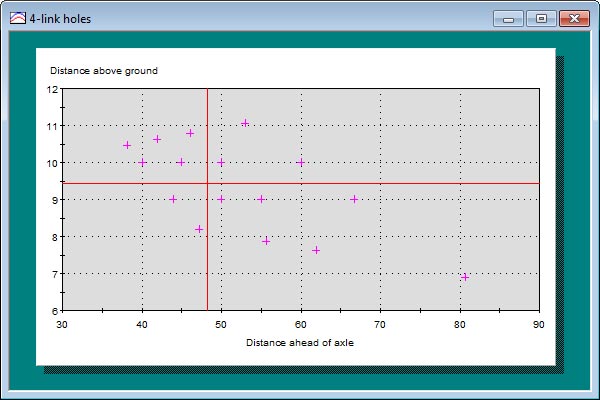
Springs, bars, suspension geometry, ...
Includes 4-link and steering geometry
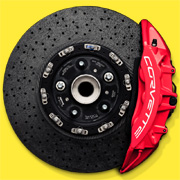 Brakes
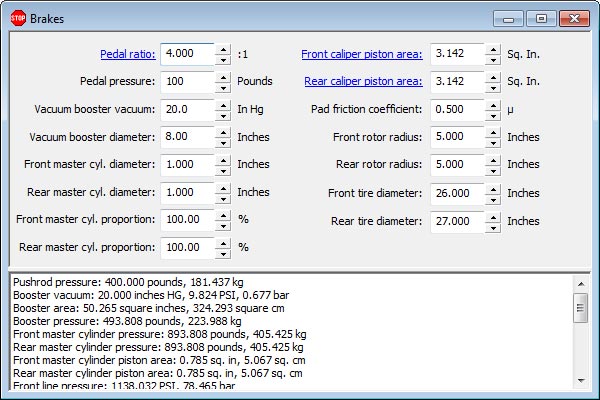
Braking hydraulics and mechanics
Braking force and braking weight transfer
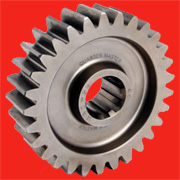 Chassis
Aerodynamics, gear ratios, shift points
Weight distribution and center of gravity
 Tires
Tires
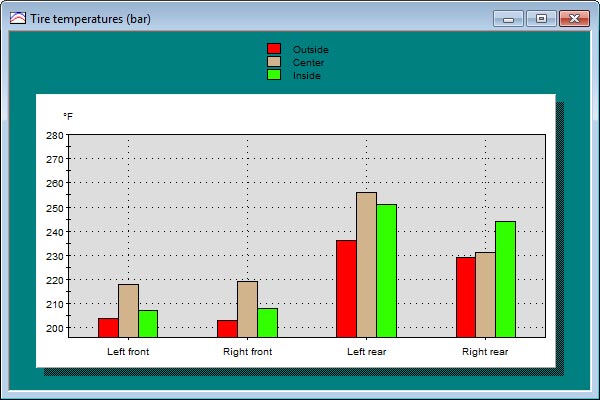
Tire temperature analysis
Tire selection, tire sizing, stagger
 Performance
Acceleration, cornering, fuel consumption
Power and torque based on performance
 Reference
Bolt torque, hoses, metal gauges, weights
Fractions, statistics, trigonometry
 Electric vehicles
EV battery, charging, range
Acceleration, efficiency, cost savings
 Strategy
Racing strategy analysis
Optimize your pit stop strategy
 Costs
Costs
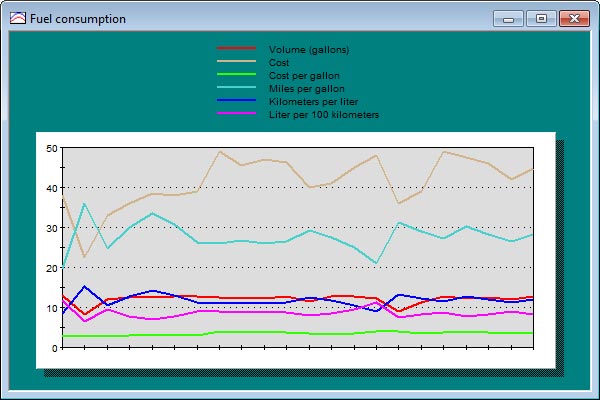
Fuel consumption analysis
Fuel costs and driving costs
 Data log viewer
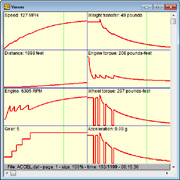
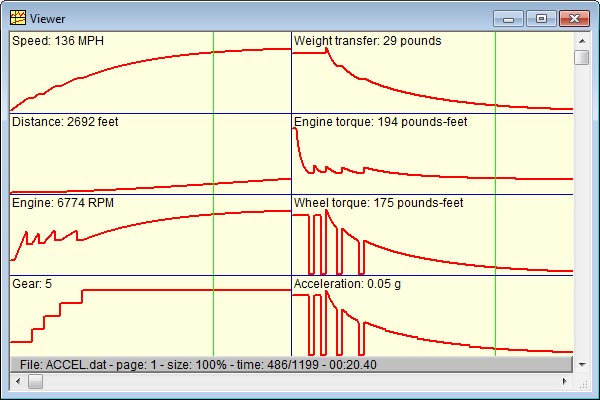
Advanced data log viewer with statistics
Use preset layouts or create your own
 Lap timer
Full-featured racing lap timer
Includes graphing and statistics
 Maintenance
Maintenance tasks
Maintenance history
 Conversions
18 types such as pressure and temperature
Each type converts between many values
 Optimizations
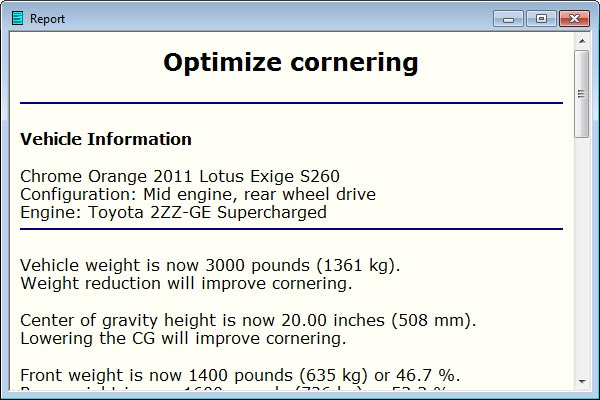
19 types like acceleration, braking, traction
Suggestions to improve performance


User Interface
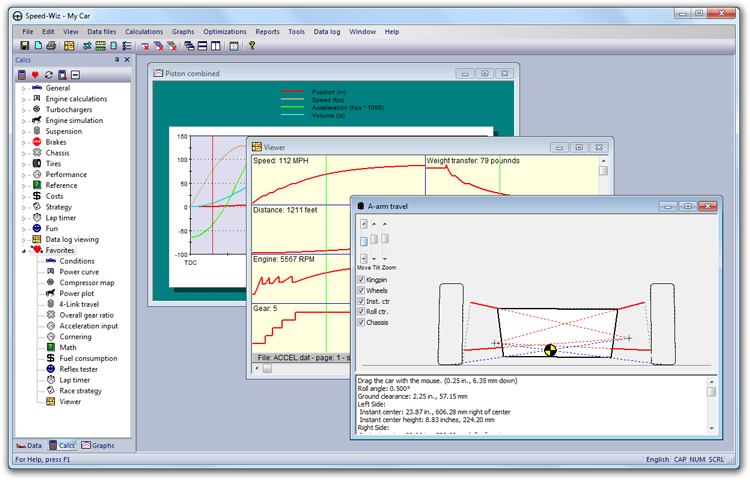
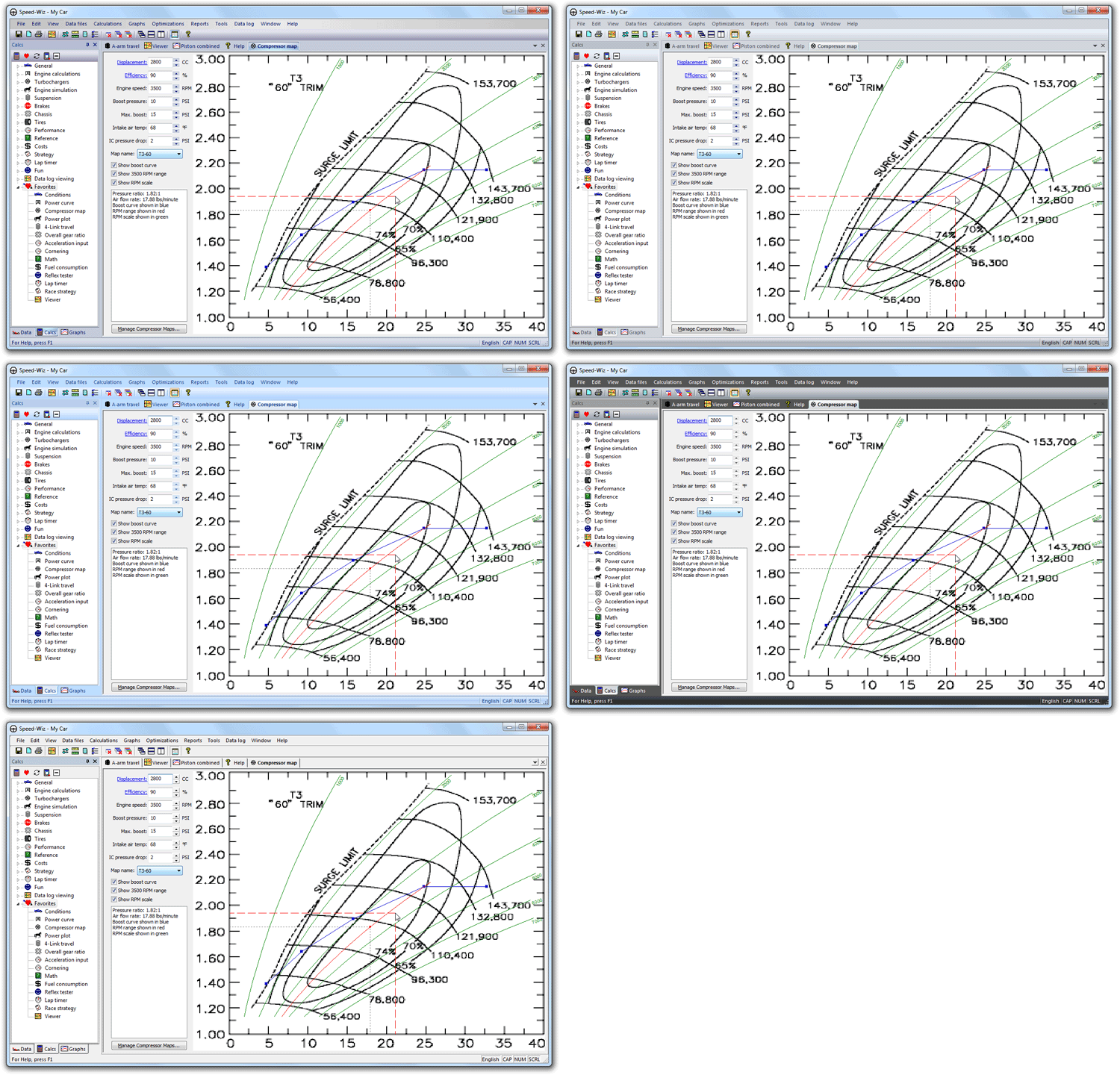
The user interface has many features to maximize your productivity and enjoyment. Point at an item and a tool tips tells you what it does. Shortcut calculation links let you quickly calculate data inputs. Range tips for all inputs in all calculation windows. Mix calculations, graphs, reports, and help on the screen any way you want. There's a docking/floating tool bar and a status bar with detailed menu hints, status indicators, and a measure control.
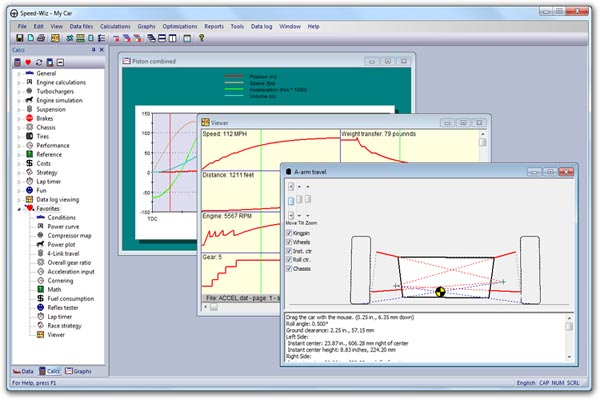
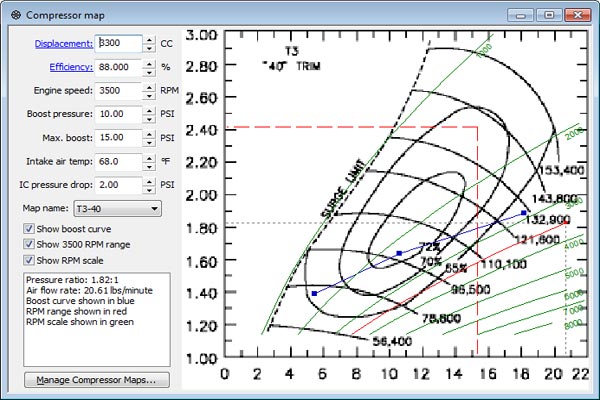
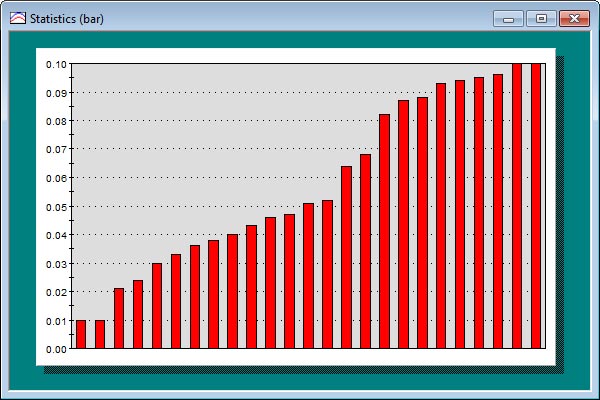
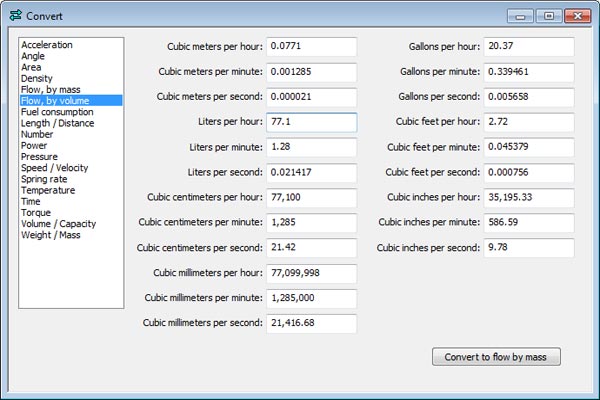
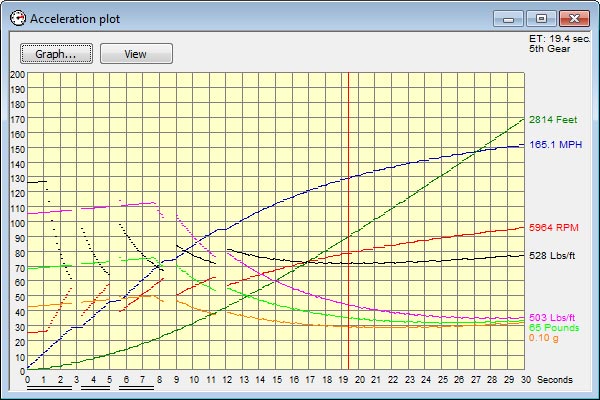
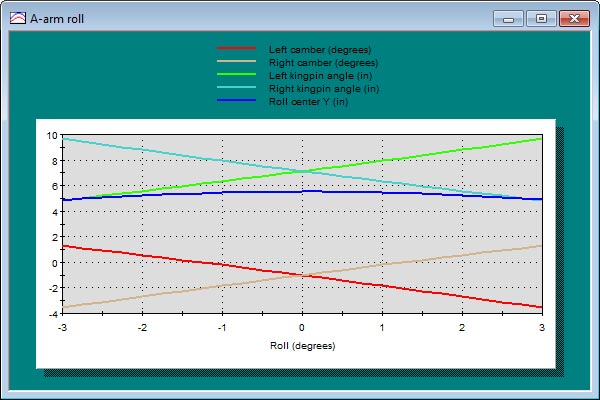
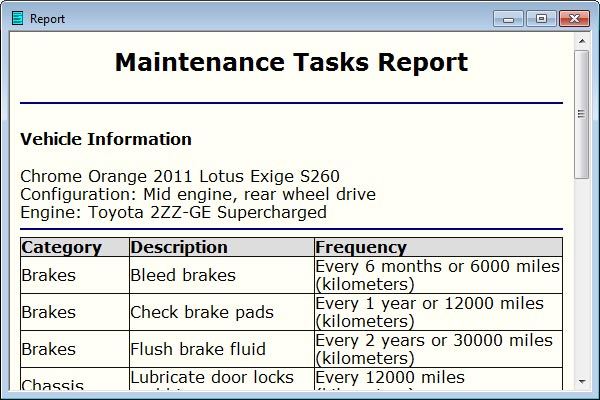
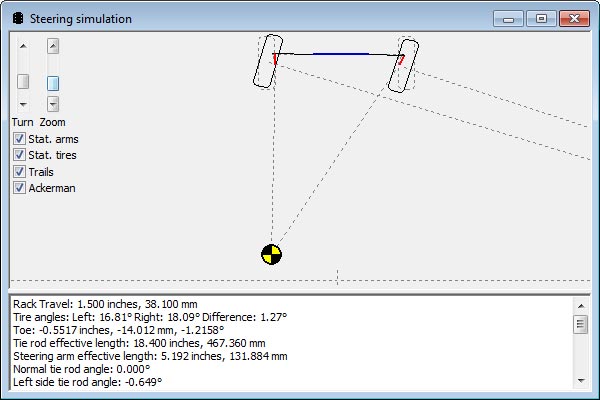
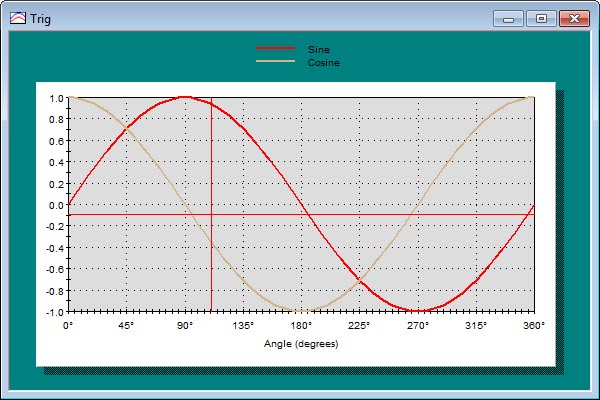
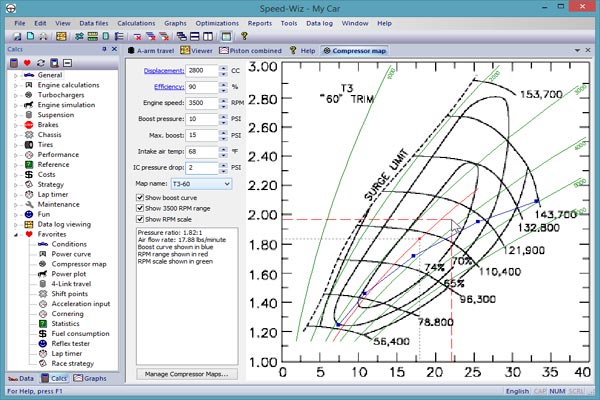
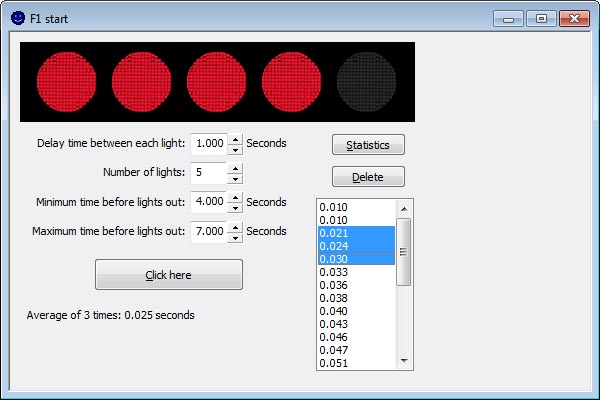
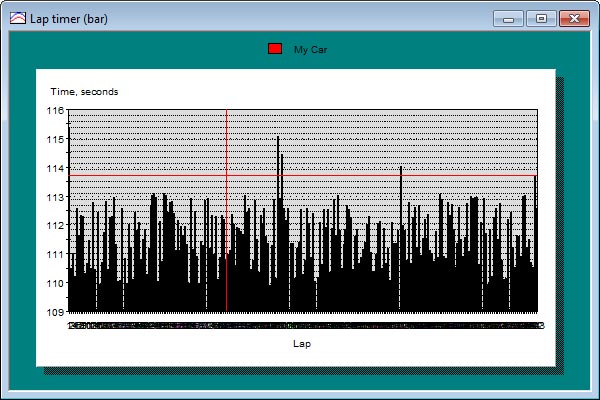
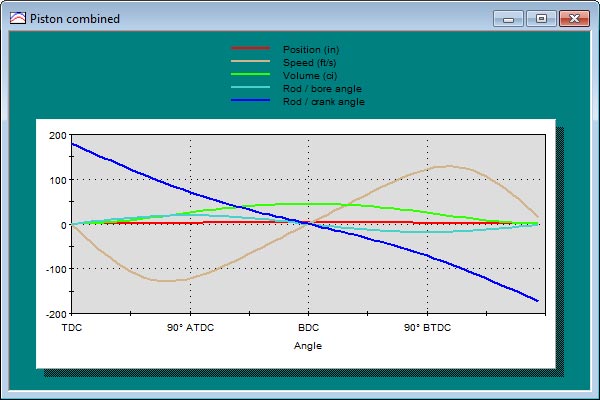
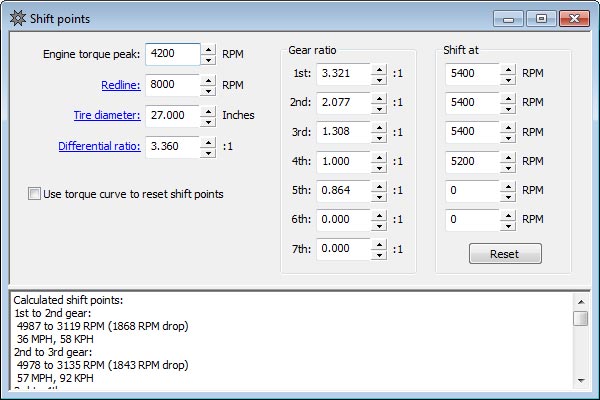
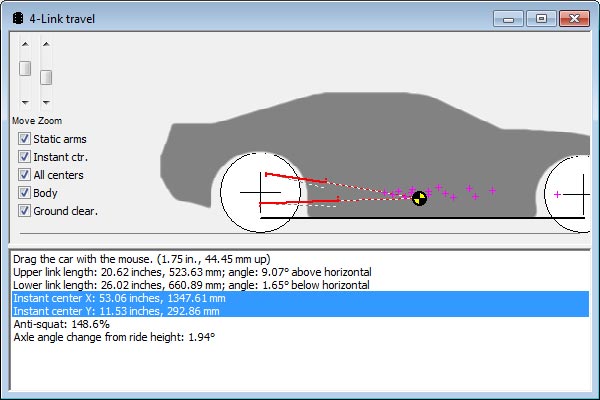
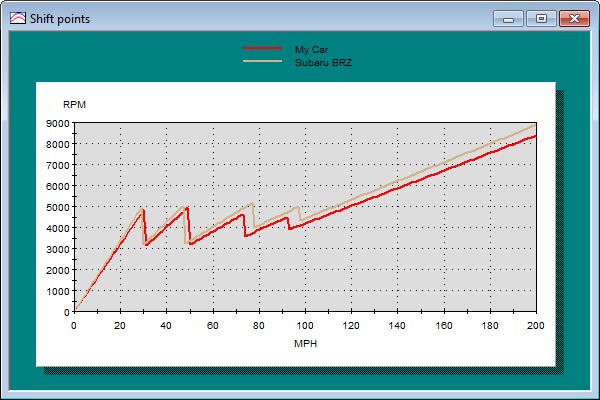
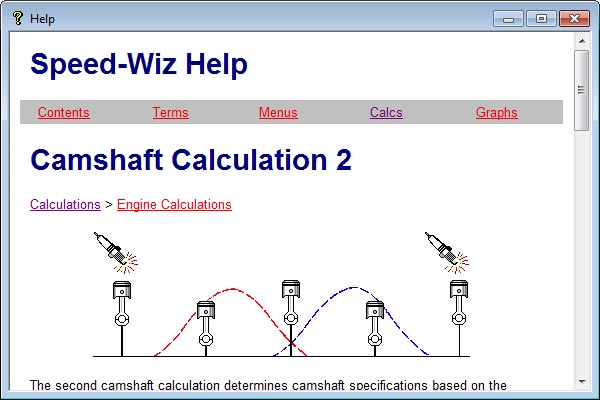
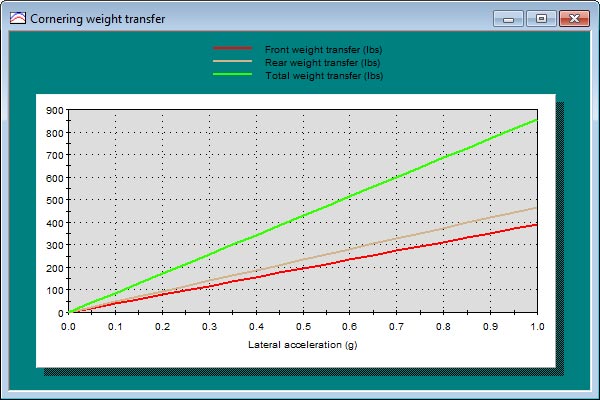
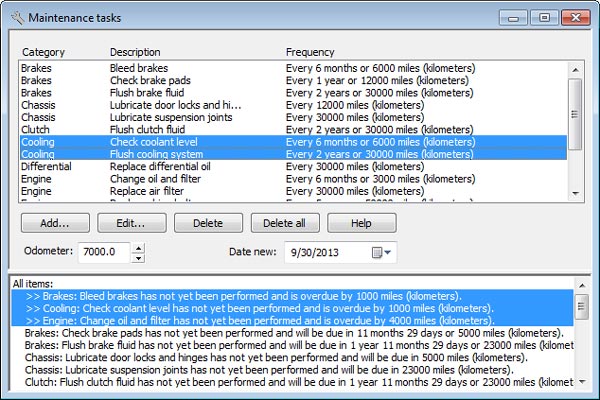
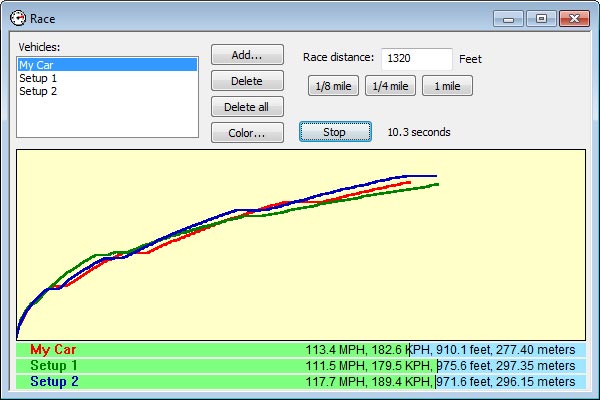
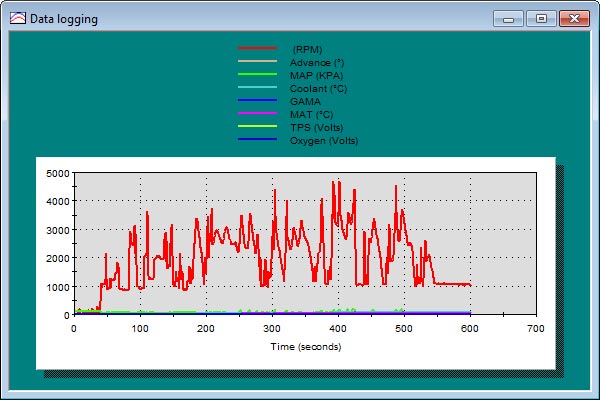
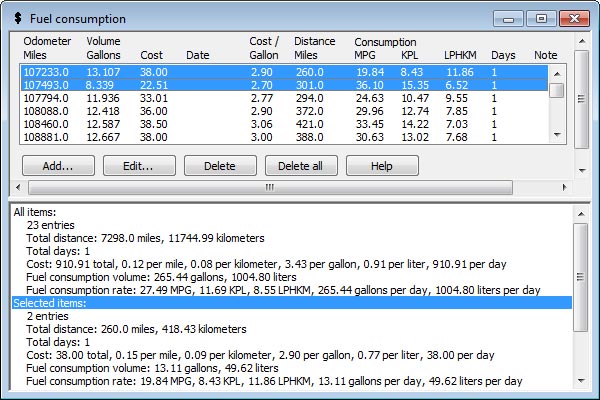
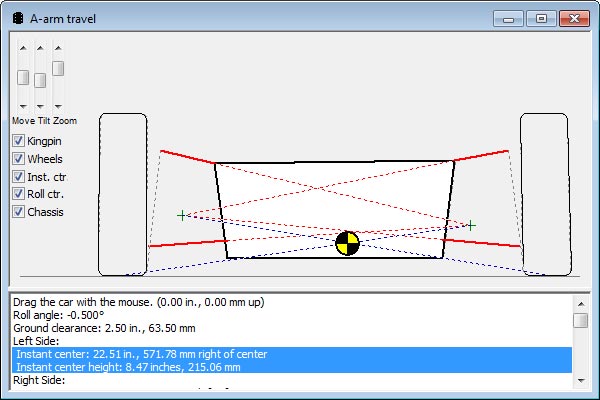
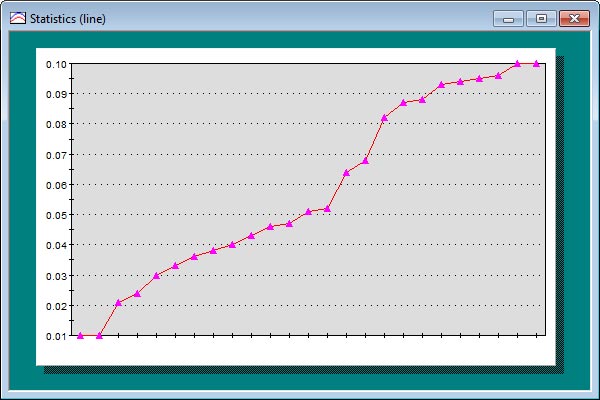
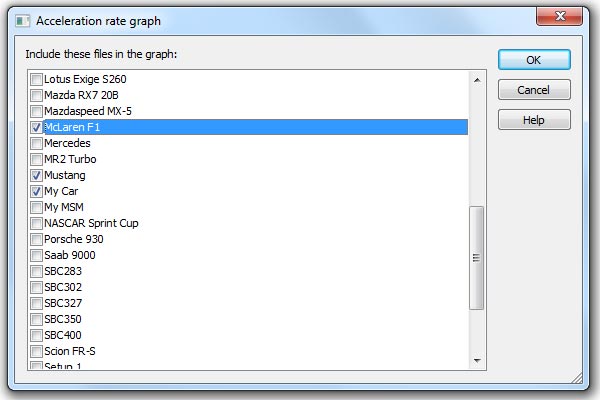
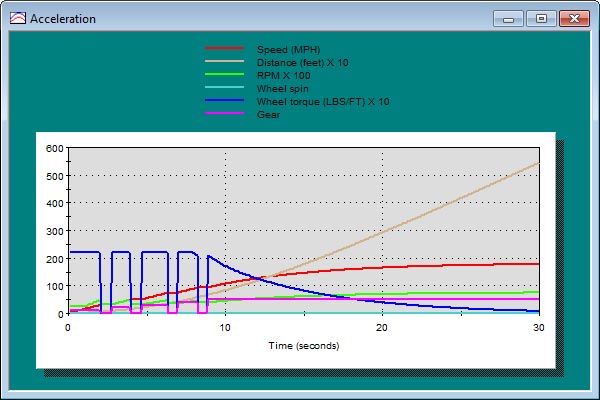
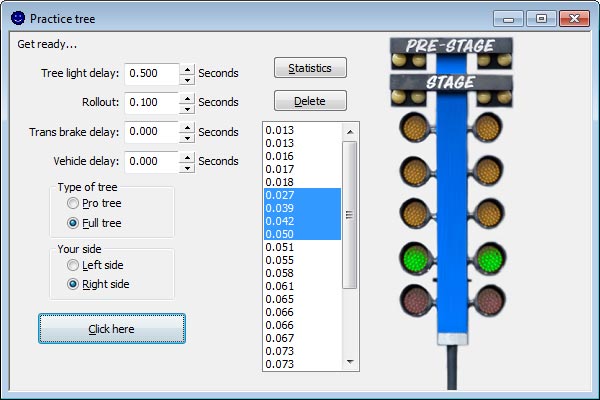
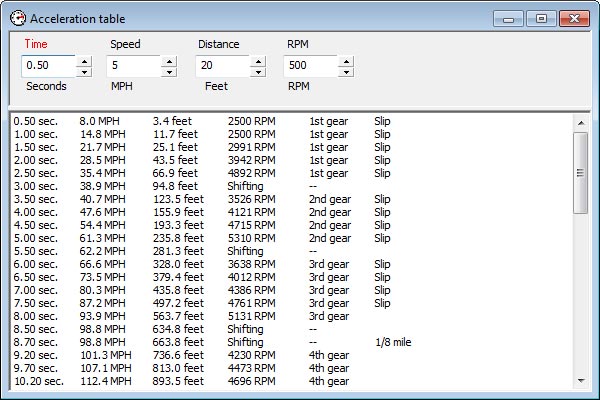
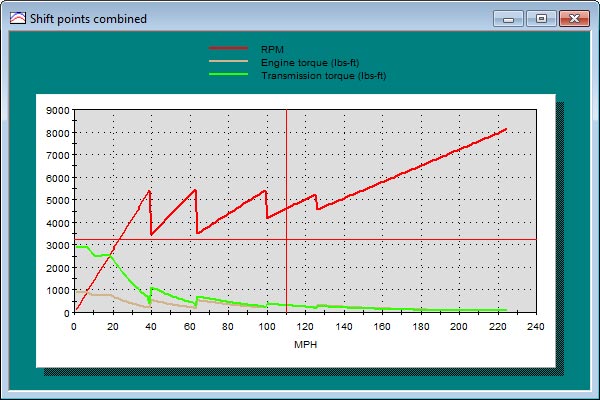
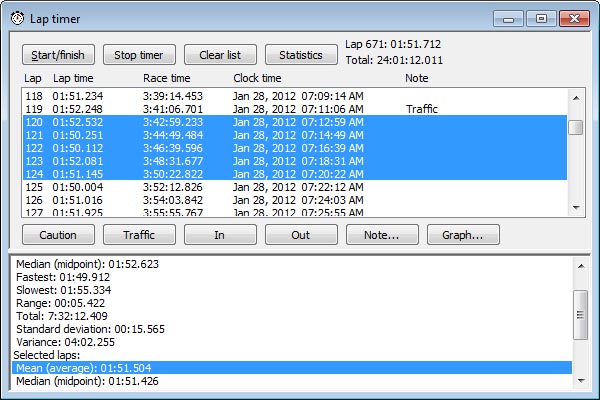
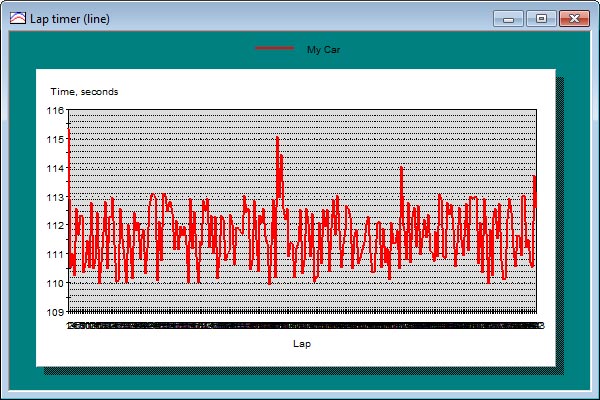
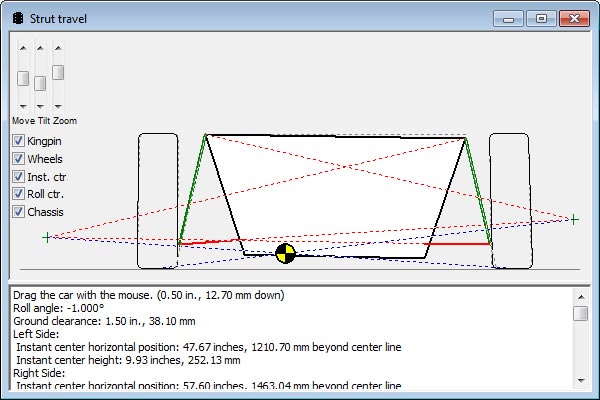
Speed-Wiz has full-size calculation windows with a row of tabs along the top that allow you to view and select windows. Here you see
Strategy, A-arm travel, Viewer, Compressor map, Help, and Convert windows are open, with the compressor map visible.
You can also use the MDI mode with windows that you can cascade and tile.
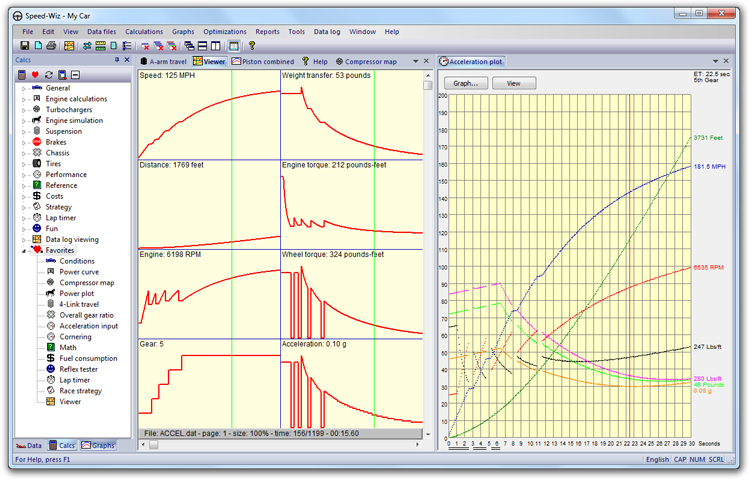
In the tabbed mode, you can create side-by-side groups of tabs. This allows you to view calculation windows simultaneously while still enjoying the benefits of the tabbed window system. Here we have a data log viewer on the left and an acceleration plot on the right.
Speed-Wiz offers skins to allow you to instantly change the entire look of the application to a scheme of your choice.
Features
Speed-Wiz has many convenient productivity features.
- Hundreds of calculations
- Lots of full-featured, customizable graphs
- Data stored in unlimited data files that can be organized by car, setup, track, etc.
- Conversions allow you to instantly convert many values between various units of measure
- Optimizations offer you suggestions on how you might reach your performance improvement goals
- Easy access to all of your favorite calculations and graphs
- Very friendly and useful online help is just a click or a keystroke away
- Easy and non-invasive Setup program
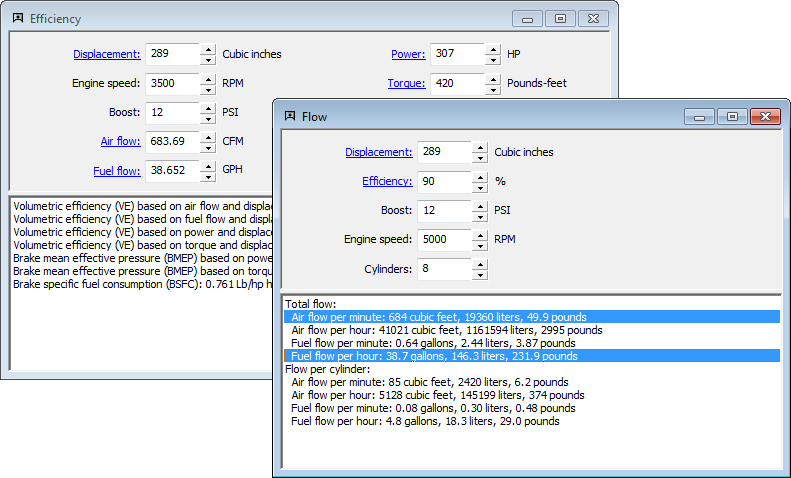
Speed-Wiz calculation windows share a rich and useful set of productivity features.
- Data interaction — input and calculated data shared by all calculations and simulations
- Real-time calculation — just enter your data and check out the results!
- All calculations can be saved and/or printed in report format
- All calculation windows can be printed exactly as they appear on screen
- Metric or English data entry by overall or individual item
- Calculated output shown in both Metric and English units
- Tool tips tell you what items do when you point at them
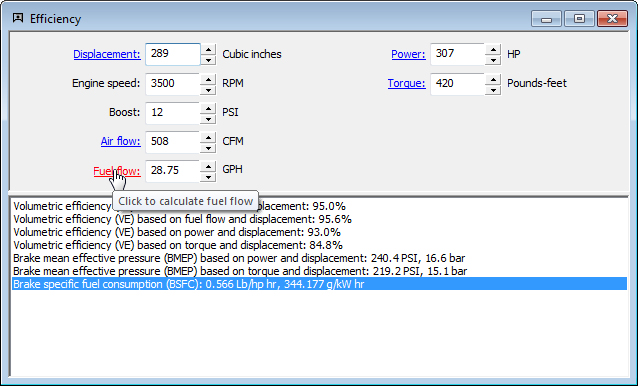
- Shortcut calculation links to quickly access calculations for data inputs
- Range tips for all inputs in all calculation windows
- Easy fractional value entry
- Send input or output values directly to the conversions tool
- Easy to revert to original data or set default data for all inputs
 Interactive calculations
 Calculation links
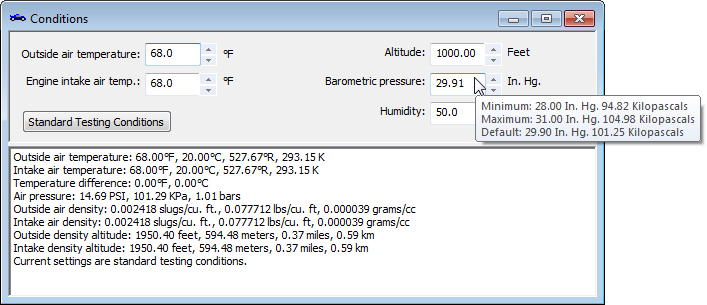 Range tips